
 EN
EN







Floating Compass Pro – Standard Edition – 1 Year
Price range: Rp59.000 through Rp210.000
Product Description — EN
Product Information
Description: Professional QGIS Plugin for Antenna & Beam Visualization
Type: Digital Software License
Platform: QGIS Ver.4.x and lower
Duration: 1 Year
License: Annual Subscription
Activation: Digital License Activation
Description
Floating Compass Pro is a professional QGIS plugin for telecom and RF engineering workflows, providing interactive visualization of antenna azimuth, sectors, multi-arm configurations, MIMO/HOS beams, and beam profiles directly on the QGIS map canvas.
Built for RF Engineers, RAN Optimization Engineers, Telecom Planners, and GIS Professionals, it provides a practical QGIS-native workflow for visualizing and validating antenna direction and beam configurations.
Key Features
• Interactive Antenna Azimuth Visualization
• Multi-Sector & Multi-Arm Support
• MIMO / HOS Beam Visualization
• Custom & Vendor Beam Profiles
• Interactive Display Customization
• QGIS-Native Workflow
• Elevation Profiles
• Beam Profiles
• LEGACY • SDA3 • MIMO5 • AIR6449 • Custom Profiles • Vendor Beam Library
Guide Activation
1. Purchase Floating Compass Pro and receive the installer from Aktivioo.
2. Install the plugin in QGIS.
3. Open Floating Compass Pro. The License Required dialog will appear.
4. Click Copy ID to copy your Machine ID.
5. Submit your Machine ID through the provided Google Form.
6. The developer will process your request and generate your license.
7. The license file will be sent to your registered email address.
8. Open Floating Compass Pro → Browse License File → select the license file.
9. The plugin will be activated after the license is successfully loaded.
How to Check License Status
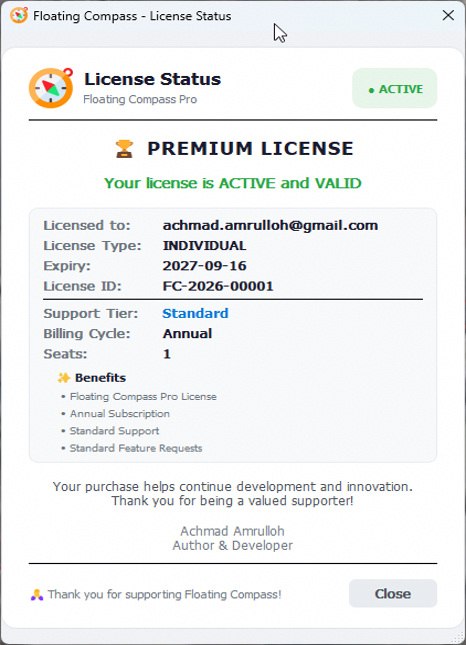
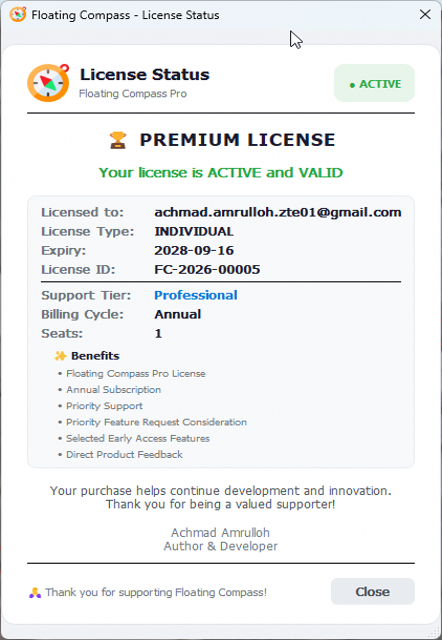
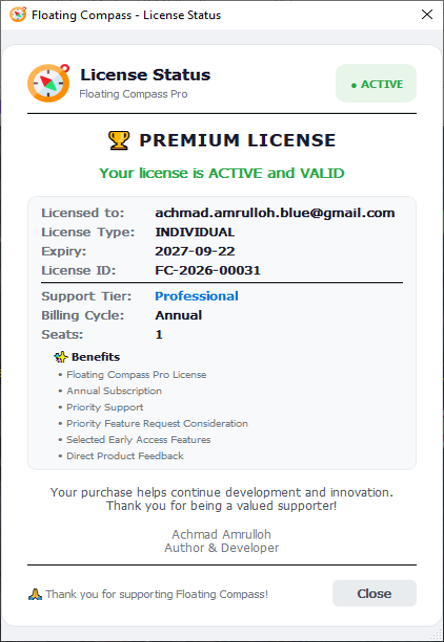
Open the License Status window from Floating Compass Pro to view your current license information, including activation status, license type, expiry date, support tier, billing cycle, and seat information.
Customer Support
Please contact support if you experience issues with:
• License activation
• License file delivery
• Invalid or failed license
• Machine ID or activation issues
• Subscription status or expiration issues
Please provide a screenshot of the error or license dialog when contacting support.
Notes
• Floating Compass Pro requires QGIS to operate.
• A valid annual subscription is required to use the Pro version.
• No trial period is available.
• The license is associated with the customer’s Machine ID.
• Please make sure your email address is correct when submitting the license request form.
• The license file will be delivered to the email address provided during the activation process.
• Please keep your license file for future reinstallation or recovery.
| License Type | Standard Individual, Professional Individual, Teams 5 Seat |
|---|




Reviews
There are no reviews yet.